
The Philips VTR5110 user manual provides safety guidelines, setup steps, intercom and recording functions, MP3 playback, and technical specifications.
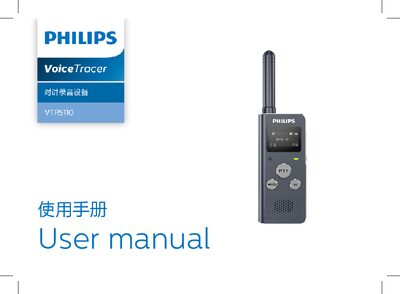
This manual introduces the Philips VTR5110 intercom recorder, covering product features, safety warnings, and proper handling. It explains how to power on, charge, connect to a computer, and configure intercom settings.
Detailed sections describe the intercom recording modes, MP3 music playback, normal recording, and common troubleshooting questions. Technical parameters such as frequency range, power, dimensions, and recording specifications are listed for reference. This manual is written in Chinese.
| Frequency range | 409 – 410 MHz |
|---|---|
| Nominal voltage | DC 3.7 V |
| Transmission power | 0.5 W |
| Size (L×W×H) | 130×33.5×21 mm |
| Weight (including battery) | 62 g |
| Number of channels | 20 |
| Sensitivity | ≤ -123 dBm (14 dB SINAD) |
| CTCSS/DCS groups | 99 groups |
| Recording bitrate | 352 kbps |
| Recording format | WAV |
| Operating temperature | 5° – 45° C |
| Air humidity | 10% – 90% non‑condensing |
Use the manufacturer‑specified charger (5 V 1 A) and avoid chargers that exceed these specifications.
Keep the intercom at least 15 cm away from any cardiac pacemaker.
No – the device must be turned off and the battery must not be removed, installed, or replaced in such zones.