
The Philips VTR5101 digital voice recorder user manual provides setup, operation, and technical specifications in Chinese.
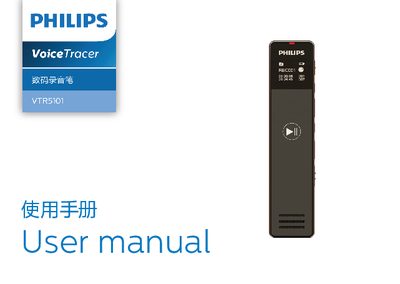
This manual welcomes users to the Philips world and outlines important safety notices, such as keeping the device away from water and heat sources. It also explains the warranty disclaimer and basic handling precautions.
The guide details how to power on, charge, connect to a computer, lock the buttons, and use recording, voice, music, and FM modes. Technical parameters such as storage capacity, dimensions, weight, system requirements, and operating conditions are listed for reference. This manual is written in Chinese.
| Noise‑reduction recording time (8 GB) | ≈48 hours |
|---|---|
| High‑quality recording time (8 GB) | ≈145 hours |
| PCM recording time (8 GB) | ≈12 hours |
| Standard recording time (8 GB) | ≈583 hours |
| Long‑duration recording time (8 GB) | ≈2328 hours |
| Internal storage type | NAND Flash |
| Dimensions (W×H×D) | 23 × 104.5 × 9.4 mm |
| Weight (including battery) | 42 g |
| Relative humidity | 10 % ~ 90 % (non‑condensing) |
Charge the device for three hours before the first use to ensure it has enough power.
Push the power key upward to the lock position; all keys except the record key become locked and a lock icon appears on the screen.