
This manual provides installation, operation, image optimization, power management and troubleshooting instructions for the Philips S Line 245S1 monitor.
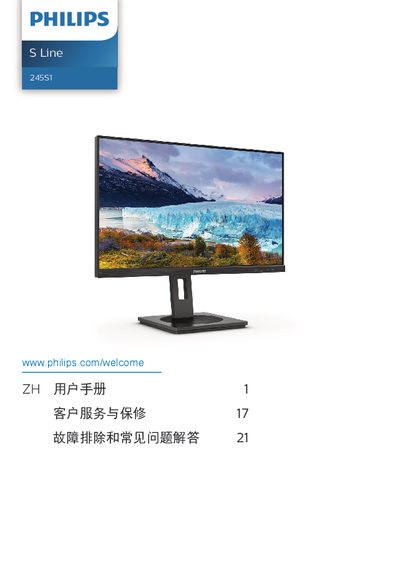
The guide covers safety precautions, proper handling, installation steps, and how to operate the monitor, including image‑enhancement features such as SmartImage, SmartContrast, Adaptive Sync and low‑blue‑light mode. It also explains environmental disposal, warranty conditions and customer‑service information.
Technical specifications, power‑consumption data, dimensions, weight, connectivity options and detailed troubleshooting/FAQ sections are included to help users achieve optimal performance and resolve common issues. This manual is written in Chinese.
| Panel type | IPS |
|---|---|
| Backlight | W‑LED |
| Panel size | 23.8" (60.5 cm) |
| Aspect ratio | 16:9 |
| Pixel pitch | 0.2058 mm (H) × 0.2058 mm (V) |
| Contrast ratio (typical) | 1000:1 |
| Native resolution | 2560 × 1440 @ 60 Hz |
| Viewing angle | 178° (H) / 178° (V) |
| Color depth | 16.7 M (6‑bit, Hi‑FRC) |
| Refresh rate range | 48 Hz – 75 Hz |
| Horizontal frequency | 30 kHz – 114 kHz |
| Low blue mode | Yes |
| Adaptive Sync | Yes |
| Inputs | HDMI 1.4 ×1, DisplayPort 1.2 ×1, DVI ×1 |
| Built‑in speakers | 2 W ×2 |
| Power consumption (typical) | 20.1 W |
| Power consumption (standby) | 0.3 W |
| Dimensions (with base) | 540 × 482 × 205 mm |
| Weight (with base) | 5.01 kg |
Set the PC's display resolution to the monitor's native 2560 × 1440 in the Windows Display settings, then apply the change.
The recommended refresh rate is 60 Hz; you may increase it up to 75 Hz to check for interference.
Wipe the screen with a dry soft cloth; for deeper cleaning use a slightly damp cloth with isopropyl alcohol, avoiding solvents such as alcohol, acetone, or gasoline.
Enable the screen‑saver or a periodic screen‑refresh application when the display shows static content for long periods.