
The Philips VTR840 VoiceTracer audio/video recorder user manual explains features, safety, operation, recording, transcription, karaoke, playback and…
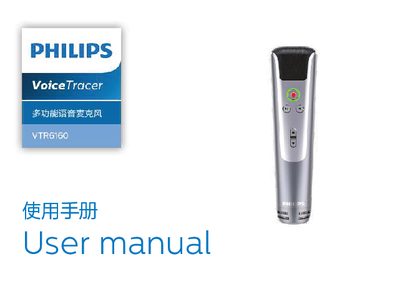
This manual introduces the Philips VTR840 VoiceTracer audio/video recorder, highlighting its multi‑scene one‑button recording, speech‑to‑text, karaoke and entertainment functions. It provides safety guidelines, hearing‑protection advice, and an overview of the microphone’s controls and connectors.
Detailed instructions cover powering the device on and off, connecting to a PC via the Type‑C port, inserting a MicroTF card for storage, using recording and playback modes, enabling wireless karaoke, and troubleshooting common issues. Technical specifications such as supported memory, dimensions, system requirements, recording format, and operating conditions are listed at the end. This manual is written in Chinese.
| Supported memory | 4 GB – 32 GB MicroTF |
|---|---|
| Dimensions (W × H) | 179 mm × 50 mm |
| Weight (incl. battery) | 208 g |
| System requirements | Windows 10/8/7/Vista/XP/2000, Linux; Type‑C interface |
| Transducer | 14 mm capacitive suspended‑diaphragm |
| Recording format | 44.1 kHz, 4‑bit, 176.4 kbps WAV |
| Operating humidity | 10 % – 90 % non‑condensing |
Press and hold the power button for 2–3 seconds to turn the device on or off; a green light indicates power‑on, and the orange light shows charging.
The recorder needs a MicroTF (micro‑SD) card with a capacity between 4 GB and 32 GB, formatted before use.
The device operates between 5 °C and 45 °C with relative humidity of 10 % to 90 % (non‑condensing).