
The Philips 272E1 Gaming Monitor User Manual provides safety guidelines, setup steps, image‑optimization features, technical specifications, and…
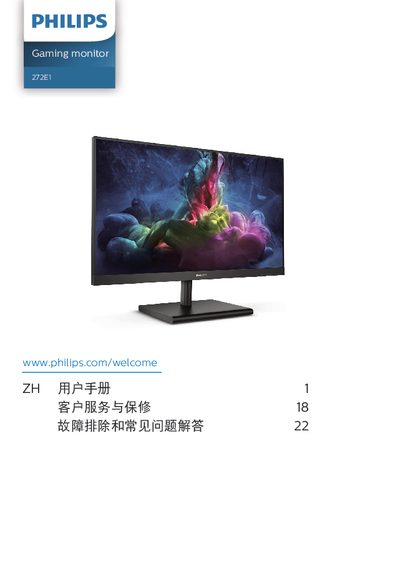
This manual covers everything needed to install and operate the Philips 272E1 Gaming Monitor, including safety precautions, unpacking, mounting, cable connections, OSD navigation, and picture‑enhancement settings such as SmartImage, Low‑Blue‑Light and AMD FreeSync Premium.
It also details power‑management options, warranty information, environmental disposal instructions, and a comprehensive troubleshooting and FAQ section for common issues like image ghosting, resolution settings, and cleaning the screen.
| Panel type | VA |
|---|---|
| Backlight | W‑LED system |
| Panel size | 27" (68.6 cm) |
| Aspect ratio | 16:9 |
| Contrast (typical) | 3,000:1 |
| Resolution | 1920 × 1080 @ 60 Hz |
| Viewing angle | 178° (H) / 178° (V) |
| Refresh rate | 48 Hz‑144 Hz |
| Low‑Blue‑Light mode | Yes |
| SmartImage | Enabled |
| AMD FreeSync Premium | Supported |
The recommended resolution is 1920 × 1080, which provides the best performance.
A refresh rate of 60 Hz is recommended; you can increase it up to 75 Hz to check for interference.
Wipe the screen with a dry soft cloth; for detailed cleaning use isopropyl alcohol and avoid other solvents.