
The Philips VTR5810 digital voice recorder user manual provides setup, recording, playback, and system settings instructions.
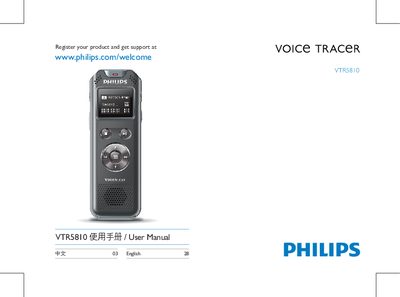
This manual introduces the Philips VTR5810 voice recorder, covering safety precautions, product features, and an overview of its functions. It explains how to start the device, use the recording, voice, music, FM, and system‑setting modes, and provides guidance on connecting to a computer.
The guide also includes detailed technical specifications, charging methods (normal and fast), key‑lock (HOLD) operation, and a troubleshooting section with common questions and solutions. This manual is written in Chinese.
| Internal storage type | NAND Flash |
|---|---|
| Dimensions (W×H×D) | 37.5×104.3×15.6 mm |
| Weight (with battery) | 68.5 g |
| Operating temperature | 5 °C – 45 °C |
| Operating humidity | 10 % – 90 % (non‑condensing) |
| Noise‑cut recording bitrate | 384 kbps WAV |
| PCM recording bitrate | 3072 kbps WAV |
| High‑quality stereo recording bitrate | 128 kbps MP3 |
| Long‑duration recording bitrate | 8 kbps MP3 |
| Estimated recording time (8 GB) – Long mode | ≈ 2160 hours |
Connect the recorder to a PC with the USB data cable or use the dedicated charger; normal charging takes about 3 hours, fast charging about 2 hours.
Slide the power key upward to lock; all keys except the record key are disabled and a lock icon appears. Slide it down to the middle position to unlock.
With an 8 GB internal storage, the long‑duration recording mode can record approximately 2160 hours.
Yes, when connected to a computer via USB the recorder appears as a removable storage device, allowing file transfer without installing software.