
The Philips 243S5 monitor user manual provides setup, safety, image‑optimization, specifications, and troubleshooting instructions.
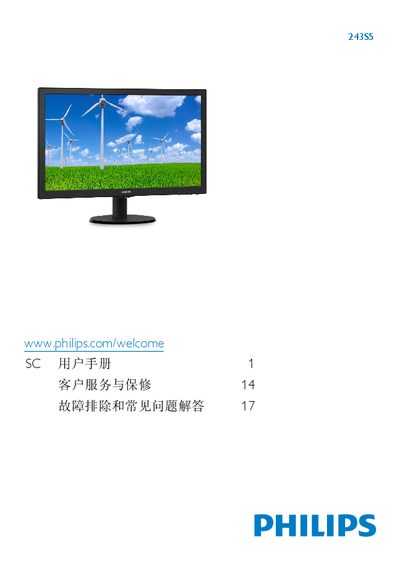
This user manual guides owners of the Philips 243S5 LCD monitor through safe installation, operation, and maintenance. It includes safety warnings, step‑by‑step setup of the stand and cable connections, and instructions for using the on‑screen display (OSD) to adjust picture settings such as SmartContrast, brightness, and color temperature.
The document also lists the monitor’s technical specifications, power‑management features, warranty information, and a detailed troubleshooting section that addresses common issues like image burn‑in, flickering, and no‑signal problems. This manual is written in Chinese.
| Panel type | TN‑LCD |
|---|---|
| Backlight | W‑LED system |
| Panel size | 23.6" (59.9 cm) |
| Native resolution | 1920 × 1080 @ 60 Hz |
| Response time (typical) | 5 ms |
Set the PC display resolution to 1920 × 1080 @ 60 Hz in the operating system’s display settings; this is the monitor’s native resolution.
Use a dry soft cloth for routine cleaning; for deeper cleaning use a slightly damp cloth with isopropyl alcohol, avoiding solvents such as ethanol, acetone, or ammonia.