
Philips monitor user manual covering installation, operation, image settings, specifications and troubleshooting for models 246E7 and 276E7.
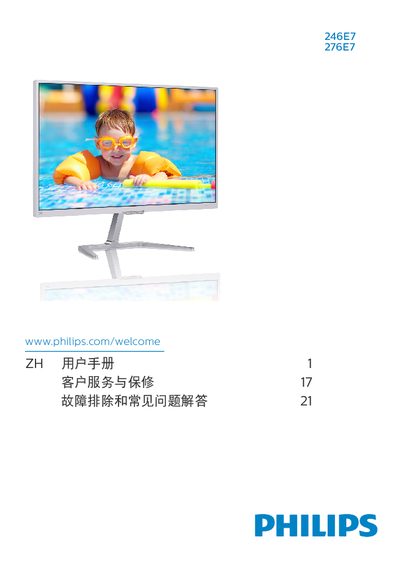
This manual provides safety instructions, installation steps, and operating guidance for Philips 246E7 and 276E7 LCD monitors. It explains how to set up the monitor, adjust image quality with SmartImage Lite, and use MHL connectivity.
Technical specifications, power‑management details, warranty information and a comprehensive troubleshooting section are also included, helping users maintain optimal performance and resolve common issues. This manual is written in Chinese.
| Panel type | IPS |
|---|---|
| Backlight | W‑LED |
| Panel size | 23.6" (59.9 cm) for 246E7, 27" (68.6 cm) for 276E7 |
| Resolution | 1920 × 1080 @ 60 Hz |
| Contrast ratio | 20,000,000:1 |
| Color gamut | CIE1976‑NTSC 101.4 % sRGB |
| Vertical refresh rate | 56 Hz – 76 Hz |
| Dimensions with base | 539 × 419 × 179 mm (246E7) / 616 × 468 × 179 mm (276E7) |