
Panasonic DP-2000 Multifunction Digital Copier User Manual

User manual for the Panasonic DP-2000 series multifunction copier with operation, safety, and maintenance instructions.
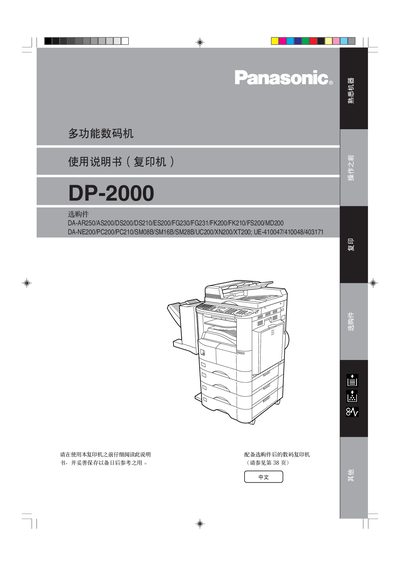

Panasonic DP-2000 Multifunction Digital Copier User Manual - cover page
Brand
Panasonic
Category
Printer
Document type
User Manual
Language
Chinese
Pages
64
File format
PDF
File size
3.1 MB
Published
12 March, 2012
Updated
03 October, 2026
Model
DP-2000
MD5 checksum
6503376A51798AFC36E306211034A650

About this manual

This user manual covers the Panasonic DP-2000 series digital copier and is written in Chinese. It describes loading originals, setting copy size and quantity, using the automatic document feeder, and making full-size, reduced, or enlarged copies.

It also provides safety and laser precautions, recommended installation temperature and humidity, instructions for adding paper and replacing toner cartridges, troubleshooting steps, and Panasonic service phone numbers in China.

What's inside

  • Getting to know the machine
  • Reducing or enlarging copies
  • Using the bypass feeder
  • Duplex and single-sided copying
  • General functions
  • Copier settings
  • Function settings
  • Troubleshooting
  • Adding paper
  • Replacing the toner cartridge and waste toner box

Specifications

Paper weight60-90 g/m2
Operating temperature10C-30C
Relative humidity30%-80%
Energy Star complianceLevel 2

Frequently asked questions

What paper weight is recommended for the copier?

Use 60-90 g/m2 quality paper.

Does the fan motor run after copying is finished?

Yes, the fan motor starts rotating after copying to cool the copier, which is normal operation.

Download PDF (3.1 MB)

More Panasonic Manuals


View all Panasonic manuals →