
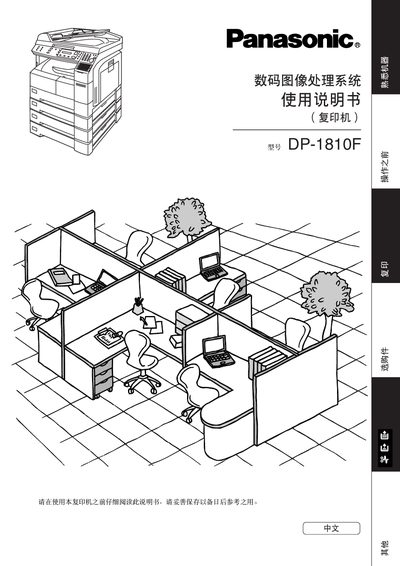
This manual covers the basic operation of the DP-1810F digital image treatment system, including paper handling, ADF usage, and image adjustment. It also details safety precautions such as laser protection and proper installation environment.
Additional sections provide maintenance procedures, troubleshooting steps for common errors like out‑of‑memory, and specifications for operating temperature, humidity, and supported paper weights. This manual is written in Chinese.
| Operating Humidity | 45 % – 85 % |
|---|---|
| ADF Capacity | Up to 50 sheets |
Avoid looking directly at the laser, do not insert metal objects into the machine, keep the copier away from extreme temperature, humidity, chemicals, and ensure proper ventilation.
When the *OUTOFMEMORY* message appears, select “YES” to continue after freeing up memory or removing some stored documents.