
This manual provides detailed instructions for operating the Olympus Stulus 720 SW digital camera, including shooting modes, menu settings, playback…
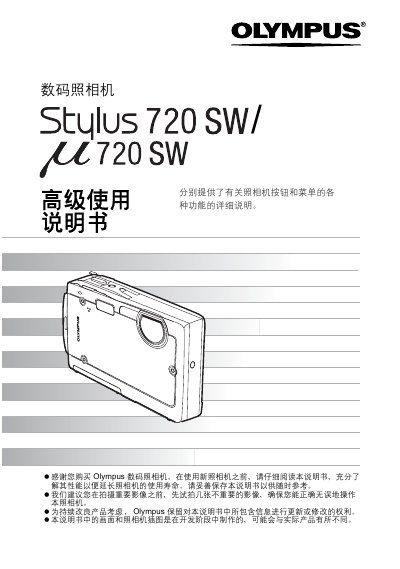
This user guide covers the operation of the Olympus Stulus 720 SW digital camera. It explains how to turn the power on and off, capture still images using various shooting modes (Program Auto, Scene Selection), and adjust image quality settings such as ISO sensitivity and white balance.
The manual also details playback functions for viewing, editing, and deleting images, as well as transferring photos to a computer via OLYMPUS Master software. Additionally, it provides instructions on direct printing using PictBridge and includes safety precautions and maintenance tips. This manual is written in Chinese.
Press the K/h/s button to select a shooting mode, then press the shutter button halfway. To power on fully, press the K/q buttons.
Press the K/h/s button to switch modes until 's' (Scene Selection) is displayed, then use the arrow buttons to choose a specific scene.
Press the q button for playback, select the image, and press the 2Y/S button to access the deletion function.