
This document is the Quick Start Guide for the Olympus Stylus 100/1000 digital camera, covering button operations, image printing, transfer, and basic settings.
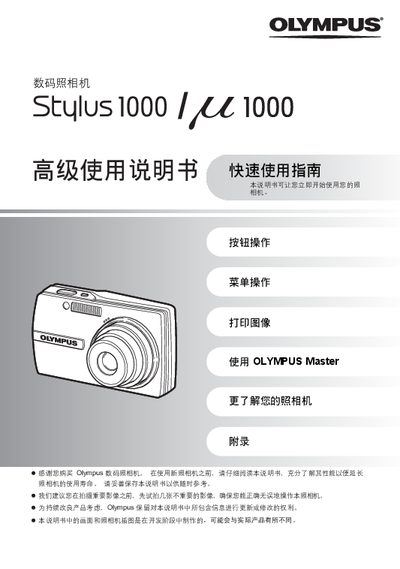
This document serves as a Quick Start Guide for the Olympus Stylus 100/1000 digital camera. It provides instructions on testing camera button functions, printing images, transferring images to a computer, and performing basic operations such as battery installation and date/time setting. The guide also includes tips for taking better images and safety precautions. This manual is written in Chinese.
| Effective Pixels | 10,000,000 pixels |
|---|---|
| Sensor Type | 1/1.8" CCD |
| Lens Focal Length | 7.4 to 22.2 mm |
| Shutter Speed | 4 to 1/1000 sec |
| LCD Screen | 2.5" TFT |
| Storage Media | xD-Picture Card (16 MB to 1 GB) |
| Dimensions | 97 x 56 x 22.7 mm |
| Weight | 140 g |
The charging time is approximately 2 hours.
The camera supports xD-Picture Cards with a capacity from 16 MB to 1 GB.
The camera has an effective pixel count of 10,000,000 pixels.