
User manual for the MICRON MTS/MTSCT video intercom system: safety warnings, wiring diagrams, system settings and monitor specifications.
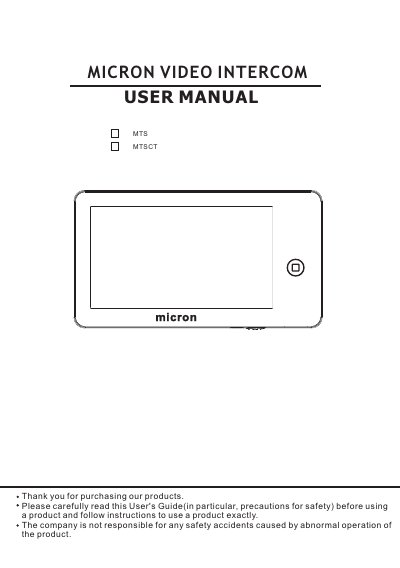
The MICRON MTS/MTSCT is a video intercom system built around a 7-inch color digital LCD touch screen monitor. The monitor is hands-free, surface-mounted and uses a 4-wire connection. It supports a TF card, picture taking, video and audio recording, broadcast and monitor listening, viewing doorbells or CCTV cameras, an alarm clock and calendar, and auto leaving message. Call transfer is only available on the model with the telephone module (MTSCT).
The manual covers warning and caution notes, the function and name of each part, package contents, system layout and two wiring solutions, installation, operation guide, the system main menu and system settings, parameters for picture capturing and video recording, and specifications. According to the system layout section, the system can support up to 1 main monitor, 3 sub monitors, 2 door panels and 8 CCTV cameras with Port 2 set for doorbells, or 1 main monitor, 1 door panel, 9 CCTV cameras and 3 sub monitors with the other port setting.
| Operation power | AC 100V-240V, 50~60Hz |
|---|---|
| Power consumption | 50mA (Max), 15mA (In standby) |
| Display panel | 7 inch |
| Connection | 4 wires (RVVP 4*0.5mm²) |
| Dimension | 210mm*116mm*25mm |
| Weight | 470g |
| Intercom function | Hands-free |
With Port 2 set for doorbells the system supports up to 1 main monitor, 3 sub monitors, 2 door panels and 8 CCTV cameras; the manual also shows a layout with 1 main monitor, 1 door panel, 9 CCTV cameras and 3 sub monitors.
It operates on AC 100V-240V, 50~60Hz and draws 50mA maximum, or 15mA in standby.
It uses a 4-wire connection with RVVP 4*0.5mm² cable, and the monitor is surface-mounted.
Call transfer is only available for the model with the telephone module, MTSCT.