
The Micron Bullet Camera Operator's Manual provides setup, operation techniques, lighting advice, and technical specifications for the MicronEye Bullet system.
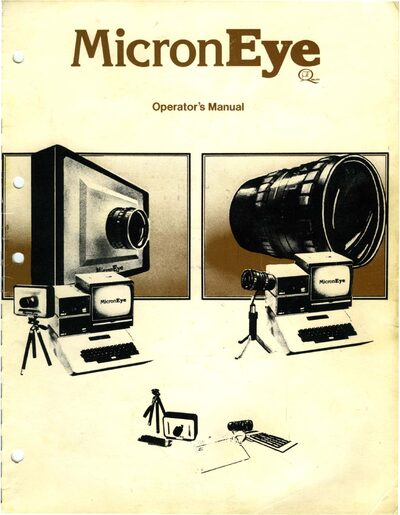
The MicronEye Bullet is a low‑cost, all‑digital imaging system that connects to a computer via a 16‑wire flat ribbon cable. The manual introduces the hardware, the IS32 OptiCRAM sensor, and the supplied F1.6 16 mm lens, and explains how to install the system.
Key sections cover operating techniques such as focus and f‑stop adjustments, lighting considerations, computer‑specific setup for Apple, IBM PC, Commodore 64 and RS‑232 interfaces, detailed hardware description, IS32 OptiCRAM technical specifications, troubleshooting, and warranty information.
| Array size | 128 × 256 addressable elements per array |
|---|---|
| Element size | 6.4 µm × 6.4 µm |
| Broad‑band sensitivity | ≈ 2 µJ / sq cm |
The supplied lens is an F1.6 16 mm lens with an adjustable f‑stop.
Micron recommends a cable length of less than 5 feet; a 4‑foot cable is provided with the standard Bullet package.
The OptiCRAM is correctly oriented when the red edge of the ribbon cable is on the same side as the Pin 1 notch on the OptiCRAM.