
User manual for Kuoyang DataStudio software, describing experiment setup, data entry, graphing and sensor configuration.
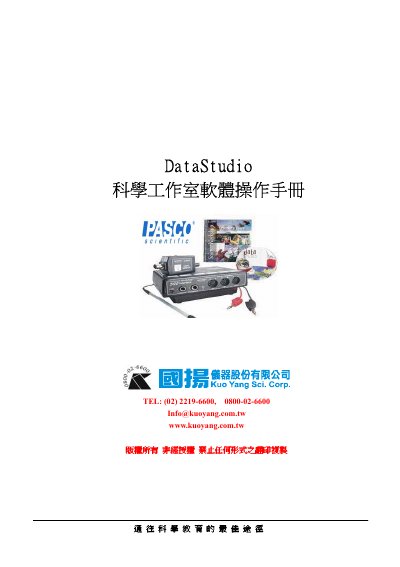
The Kuoyang DataStudio User Manual explains how to operate the DataStudio software for scientific data collection and analysis. It walks users through opening the program, creating new experiments, entering data manually, and using the Graph Equation feature to visualize results.
The guide also details sensor connection, interface types (500‑type and 750‑type), sample‑rate settings, display modes, and advanced options such as calibration and synchronization of video with data plots.
| Interface types | 500‑type and 750‑type interfaces |
|---|---|
| Maximum sensors (750‑type) | Up to 7 sensors |
| Maximum sensors (500‑type) | Up to 5 sensors |
| Sample‑rate modes | Fast (>1 Hz) or Slow (<1 Hz) |
After setting up the sensors, press the “Start” button to begin recording data.
Open the Sensor Properties window and enter the desired number of samples per second in the Sample Rate field.
The 750‑type interface can connect up to seven sensors simultaneously.