
User manual for the Elo TouchSystems ET2239L 22-inch LCD touch monitor, covering setup, driver installation, and technical specifications.
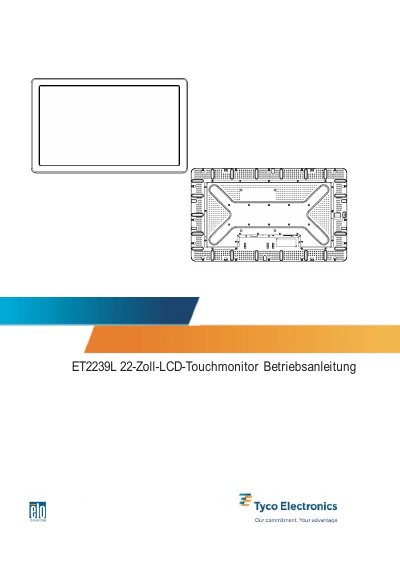
The Elo TouchSystems ET2239L is a 22-inch LCD touch monitor that combines TFT liquid crystal display technology with various touch options, including IntelliTouch, Surface Capacitive, SecureTouch, and Acoustic Pulse Recognition (APR).
This manual provides detailed instructions for unpacking the device, connecting cables, installing touch drivers for Windows operating systems, and adjusting display settings via the OSD remote control. This manual is written in German.
| Display Type | 22-inch TFT Active Matrix Screen |
|---|---|
| Native Resolution | 1680 x 1050 |
| Contrast Ratio | 1000:1 (typical) |
| Display Dimensions | 473.76 (H) x 296.1 (V) mm |
| Pixel Pitch | 0.282 (H) x 0.282 (V) mm |
The monitor can be acquired with Acoustic Pulse Recognition (APR), IntelliTouch, SecureTouch, or Surface Capacitive technologies.
No, you must connect either the USB cable or the serial cable, but never both.
The native resolution is 1680 x 1050.