
User guide for Elo TouchSystems 3200L/4200L/4600L interactive digital signage touch displays, covering installation, operation and support.
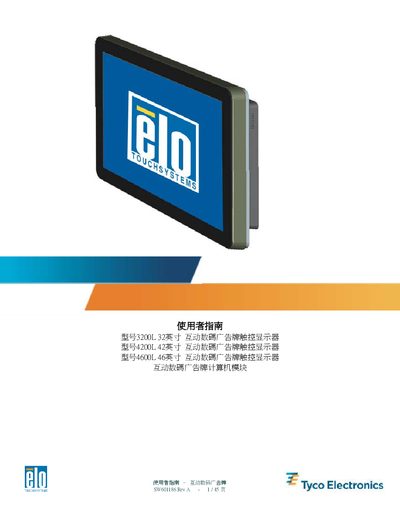
This user guide provides step‑by‑step instructions for unpacking, installing, and operating the Elo TouchSystems interactive digital signage touch displays (models 3200L, 4200L, 4600L). It includes details on connecting HDMI/VGA video, USB touch, audio, and power cables, as well as mounting options and safety precautions.
The manual also describes how to install the optional computer module, configure the APR TouchTools software, and access technical support. Appendices contain resolution tables, safety & maintenance guidelines, full technical specifications, regulatory information, and warranty details. This manual is written in Chinese.
| VESA mount (32‑inch) | 600 × 200 mm |
|---|---|
| VESA mount (42‑/46‑inch) | 600 × 400 mm |