
15.6” and 18.5” LCD Touchmonitor Optional Magnetic Stripe Reader User Guide
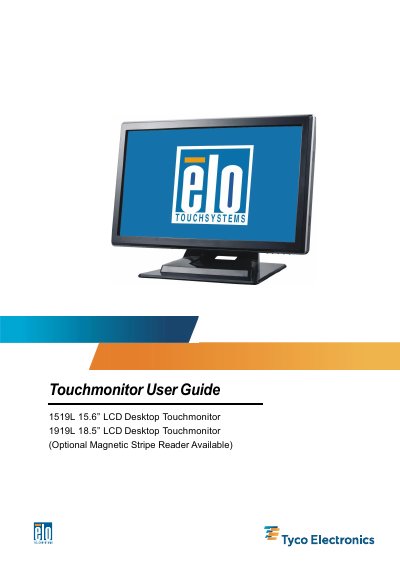
This user guide provides instructions for installing and operating the Elo TouchSystems 1519L and 1919L LCD touchmonitors. It includes setup steps, driver installation, touch panel controls, and troubleshooting. The monitors support optional magnetic stripe readers and feature Acoustic Pulse Recognition or AccuTouch touch technology. Specifications cover display size, resolution, brightness, and connectivity options.
The guide also details safety precautions, power requirements, and regulatory certifications for both models, including support for multiple languages and operating conditions.
| Display Size | 15.6” (1519L) / 18.5” (1919L) |
|---|---|
| Native Resolution | 1366 x 768 |
| Brightness | 250 Cd/m² (typical) |
| Touch Panel | AccuTouch / IntelliTouch / Acoustic Pulse Recognition |
| Power Adapter | AC 100-240V, 50-60Hz; DC 12V/4.16A |
| Operating Temperature | 0°C ~ 40°C |
The touchmonitor supports AccuTouch, IntelliTouch, and Acoustic Pulse Recognition (APR) touch technologies.
The native resolution is 1366 x 768 pixels.
The power adapter accepts AC 100-240V, 50-60Hz input and outputs DC 12V/4.16A.