
This is an instruction manual that introduces the characteristics of the 1715L 17¨ LCD Desktop Touchmonitor 1000 Series product.
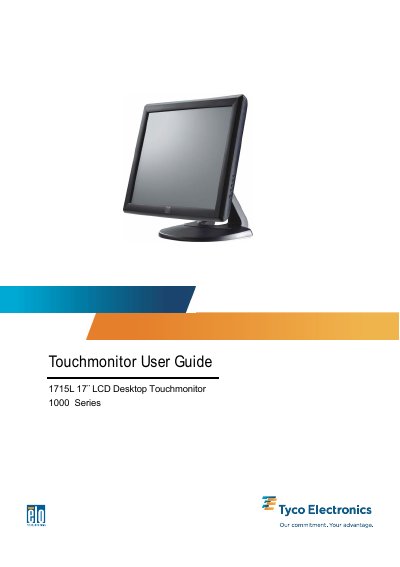
This user guide provides instructions for the Elo TouchSystems 1715L 17" LCD Desktop Touchmonitor. It covers the product description, precautions, and unpacking procedures. The manual details how to install the necessary driver software for various operating systems, including Windows XP, 2000, Me, 98, 95, and NT 4.0, as well as MS-DOS and Windows 3.1.
| Display Size | 17" TFT Active Matrix Panel |
|---|---|
| Max Resolution | SXGA 1280 x 1024 |
| Contrast Ratio | 800 : 1 (typical) |
| Brightness (NonTouch) | typical 280 Cd/m2 |
| Response Time | Tr: 15 ms Tf: 10 ms |
| Touch Activation Force | less than 3 ounces |
| Power Adapter Input | AC 100-240V, 50/60Hz |
The manual supports drivers for Windows XP, 2000, Me, 98, 95, NT 4.0, MS-DOS, and Windows 3.1.
Connect either the touchscreen serial (RS232) cable or the touch screen USB cable to the rear of the computer and the LCD monitor, but not both.
The standard deviation of error is less than 0.080 inches (2.03 mm), equating to less than ±1%.