
This document provides information on the installation, operation, security and maintenance, and technical support of the Elo TouchSystems E-series LCD multifunctional touch computer.
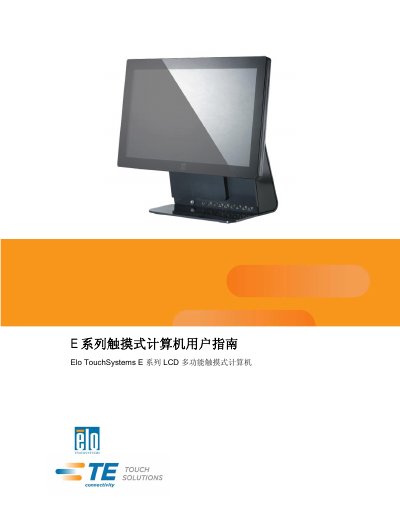
The Elo TouchSystems E Series is a multifunctional LCD touch computer designed for various computing environments. This user guide covers the complete lifecycle of the device, starting with unboxing and physical setup, including adjusting the display tilt from -17 to +75 degrees and mounting options on walls or pillars. This manual is written in Chinese.
The monitor screen can be adjusted from -17 degrees to +75 degrees.
Right-click the Elo icon on the taskbar, select Properties, and click Align to start the calibration program.
A flashing green LED indicates that there is input power and the system is in Standby mode S1.