
Elo TouchSystems 2200L 22-inch LCD Touchscreen User Guide
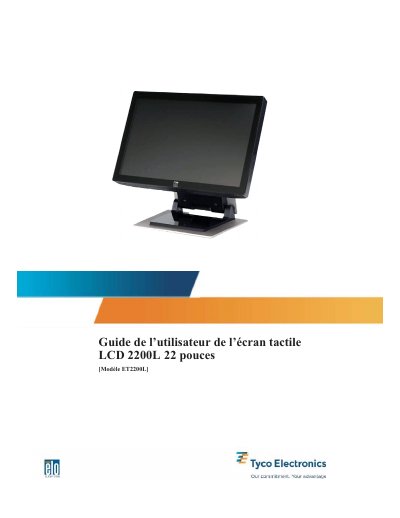
The Elo TouchSystems ET2200L is a 22-inch wide-format LCD touchscreen monitor available with frameless APR (Acoustic Pulse Recognition) or IntelliTouch (Surface Acoustic Wave) touch technology. It offers VGA and DVI-D video input, integrated speakers, AC and DC power, a lockable on-screen display, an adjustable-height stand and VESA mounting compatibility.
This user guide explains unpacking, cable connections, touch driver installation, monitor settings and OSD controls, display presets, audio features, troubleshooting, safety, technical specifications and warranty information. This manual is written in French.
| Video inputs | VGA and DVI-D (DVI-D not available in Europe) |
|---|---|
| Touch technology | APR (Acoustic Pulse Recognition) or IntelliTouch (Surface Acoustic Wave) |
| Warranty | 3 years for the touchscreen and product components |
It is available with frameless APR (Acoustic Pulse Recognition) and IntelliTouch (Surface Acoustic Wave) technology.
It has VGA and DVI-D video input; DVI-D is not available in Europe.
The warranty for the touchscreen and product components is 3 years.
Connect either the USB or serial cable, not both, along with the video and audio cables.