
This document is the user manual for Elo TouchSystems 0700L Touchmonitor. It mainly introduces the features and usage of the product.
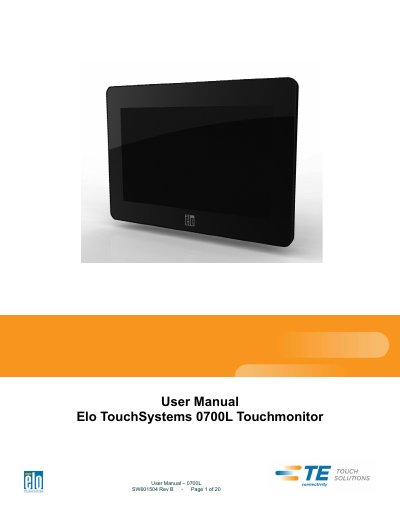
The Elo TouchSystems 0700L Touchmonitor combines Elo touch products with touch technology and display design. It uses a 24-bit color active matrix TFT LCD panel with an LED backlight that reduces power consumption and eliminates mercury compared to CCFL panels. Power, video, and touch are delivered over one USB cable, with optional magnetic strip reader and webcam features.
This user manual provides installation, mounting, operation, technical support, safety and maintenance, regulatory, and warranty information. The monitor requires a Windows computer with USB 2.0 ports and cannot function as the primary display during boot-up because a separate display is needed to install the USB driver.
| Panel | 24-bit color active matrix thin-film-transistor LCD |
|---|---|
| Backlight | LED |
| Operating Humidity | 20% to 80% (non-condensing) |
It supports Windows 7, XP 32-bit (SP2, SP3), Vista 32-bit (SP1), and Vista 64-bit (SP1).
No. The touchmonitor cannot function as primary display during boot-up; an additional display is required to install the USB driver.
The carton includes the touchmonitor with protective sheet, Elo TouchTools CD & User Manuals CD, Quick Install Guide, USB Y-cable, and 4 M4x8mm screws.