
This document introduces the interactive digital signage touch displays from Elo TouchSystems, including the features and characteristics of products such as 3200L, 4200L, 4600L, and computer modules.
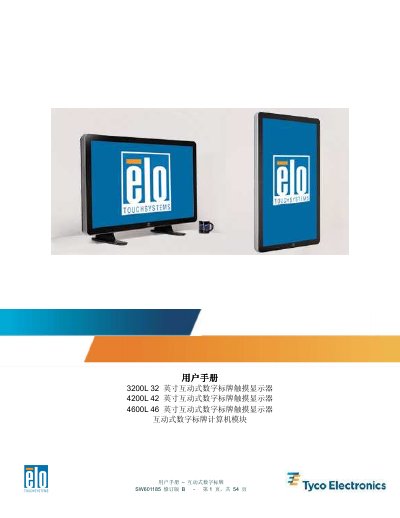
The user manual covers the setup and usage of the Elo TouchSystems SW601185 series interactive digital signage touch displays. It includes detailed procedures for unpacking the unit, installing the touch display and computer module, connecting cables (HDMI, VGA, USB), and configuring software drivers. This manual is written in Chinese.
| LCD Panel Type (32 inch) | 32 英寸 TFT 有源矩阵 |
|---|---|
| Original Resolution (32 inch) | 1366x768 |
| Contrast Ratio | 3500 (typical) |
| Brightness (LCD Panel) | 450 cd/m2 (typical) |
| Response Time | 20 ms (typical) |
It is strongly recommended that at least two people handle, lift, or move these touch displays.
The LCD panel for the 32-inch model has a native resolution of 1366x768.
The lamp life is at least 50,000 hours when operating at half brightness.
The horizontal sync range is 31.5 – 80 KHz and the vertical sync range is 50 – 61 Hz.