
This document is the user manual for Elo TouchSystems 2243L, 2244L touch monitors, including the features and technical specifications of the products.
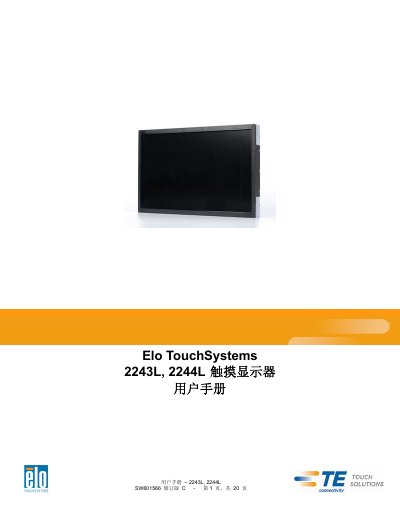
The Elo TouchSystems 2243L and 2244L are touch monitors featuring a 24-bit color active matrix TFT LCD panel with Full HD resolution (1920x1080) and LED backlighting. The device supports plug-and-play functionality via DVI or VGA video inputs and USB touchscreen connections, operating on a 12V DC power supply. This manual is written in Chinese.
| Resolution | 1920x1080 |
|---|---|
| Panel Type | 24-bit color active matrix TFT LCD |
| Backlight | LED |
| Input Voltage | 12V DC ±5% |
| Operating Temperature | 0°C - 40°C |
| Humidity (Operating) | 20% to 80% |
No, the APR touch monitor has already been calibrated at the factory and does not require manual calibration.
The maximum screw depth for the M4 threaded holes is 7mm for sliding installation and 8mm for VESA installation.
The monitor operates within a temperature range of 0°C to 40°C and a humidity range of 20% to 80% without condensation.
The power adapter outputs 12VDC with a minimum current of 3A.