
This document is a user guide for the 1519L 15.6” LCD desktop touch monitor and the 1919L 18.5” LCD desktop touch monitor, including product description, installation and setup, operation, and troubleshooting.
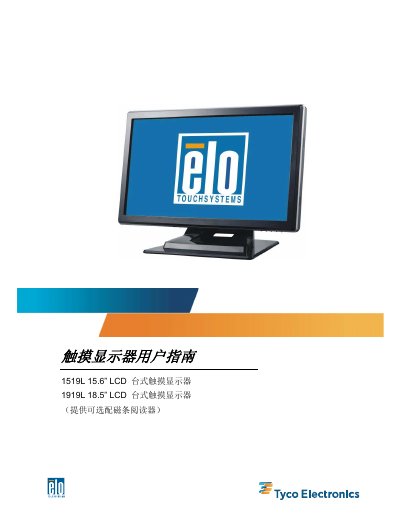
This document is the user guide for the Elo TouchSystems 1519L (15.6") and 1919L (18.5") LCD touch monitors. It provides instructions on unboxing, assembling the stand, connecting interfaces such as VGA, USB, and audio, and installing the necessary drivers for various operating systems including Windows 7, Vista, XP, and MS-DOS.
The guide details the operation of the monitor, including how to adjust the On-Screen Display (OSD) menu for settings like contrast, brightness, and color temperature. It also covers the power management system, display angles, and includes a troubleshooting section for common issues. Technical specifications for both models, including resolution, brightness, and physical dimensions, are listed in the appendices. This manual is written in Chinese.
The 1519L LCD monitor measures 383.05 x 276.5 x 213.2mm.
The 1919L LCD monitor supports a maximum resolution of 1680 x 1050 at 60Hz.
The typical response time for the 1919L LCD monitor is 5ms.