
2200L 22-inch LCD Touchmonitor User Guide
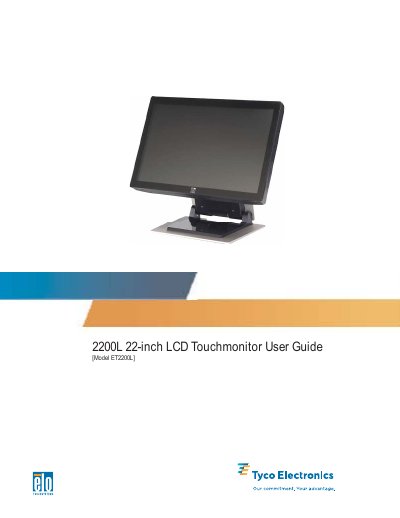
The Elo TouchSystems 2200L (ET2200L) is a 22-inch LCD touchmonitor available in zero-bezel Acoustic Pulse Recognition (APR) and IntelliTouch Surface Acoustic Wave touch technologies. It has a wide-screen format, VGA and DVI-D video input (DVI-D not available in Europe), AC and DC power, built-in speakers, a sealed screen, and VESA-compliant mounting.
This user guide covers unpacking, cable connections, touch driver installation, monitor mounting and orientation, OSD adjustments, preset display modes, audio features, troubleshooting, safety, regulatory information, and warranty.
| Display size | 22-inch LCD |
|---|---|
| Touch technologies | APR and IntelliTouch Surface Acoustic Wave |
| Video inputs | VGA and DVI-D (DVI-D not available in Europe) |
| Power | AC and DC |
| Speakers | Built-in speakers |
| Mounting | VESA compliant |
| Warranty | 3 years |
It is available in zero-bezel Acoustic Pulse Recognition (APR) and IntelliTouch Surface Acoustic Wave touch technologies.
VGA and DVI-D video input; DVI-D is not available in Europe.
The warranty for the touchmonitor and components is 3 years.
Insert the TouchTools or APR CD, click Install Driver for This Computer, and follow the on-screen instructions.