
This file provides a user guide for the 1537L 15-inch LCD Touchmonitor
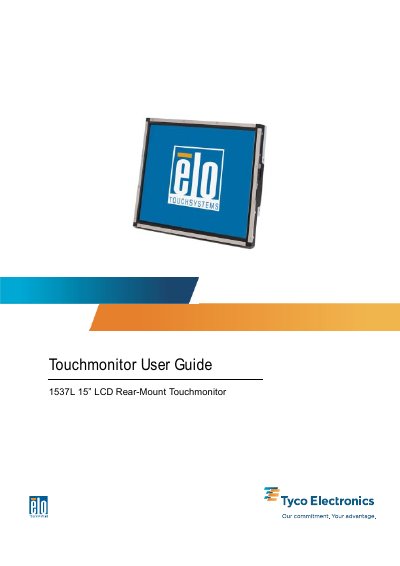
The document provides instructions for unpacking, connecting interfaces (video, serial/USB), and installing driver software for various Windows versions. It details how to use the On-Screen Display (OSD) controls for adjusting picture quality and power management settings.
The guide also includes a troubleshooting section for common problems, safety precautions, care and handling instructions, and full technical specifications including dimensions and regulatory information.
| Display Type | 15" color active matrix thin-film-transistor (TFT) |
|---|---|
| Maximum Resolution | XGA 1024 x 768 |
| Horizontal Scan Frequency | 31.5 KHz to 60.2 KHz |
| Vertical Scan Frequency | 56.3 Hz to 75.0 Hz |
| Power Input Voltage | 12V DC |
It is compatible with VGA, SVGA, XGA (non-interlaced) and most Macintosh compatible color video cards.
The required power brick provides 12V at 4.16A with a maximum output of 50W.
The driver supports Windows Vista, XP, 2000, Me, 95/98 and NT 4.0.