
User manual for the Elo TouchSystems 2200L 22-inch LCD touchscreen monitor, covering setup, operation, and troubleshooting.
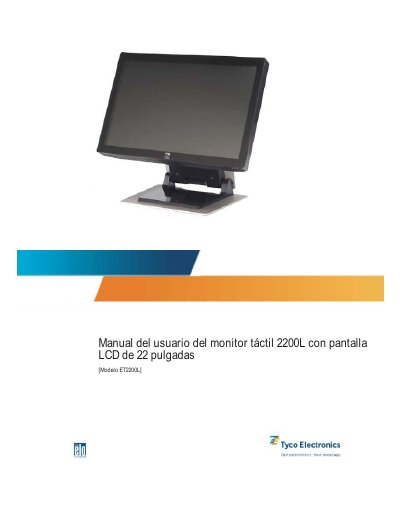
This user manual provides step-by-step instructions for installing and operating the Elo TouchSystems 2200L 22-inch LCD touchscreen monitor. It includes details on unboxing, connecting cables, installing the touch controller software, and using the monitor’s display settings. The manual also covers safety precautions, troubleshooting common issues, and technical specifications.
The 2200L features acoustic pulse recognition (APR) touch technology, a bezel-free design, and is suitable for public and commercial applications such as kiosks, point-of-sale systems, and industrial automation. It supports both AC and DC power, has built-in speakers, and is designed for easy cleaning and mounting via VESA compatibility. This manual is written in Spanish.
| Touch Technology | Acoustic Pulse Recognition (APR) or IntelliTouch |
|---|---|
| Screen Size | 22 inches |
| Power Input | AC and DC |
| Video Inputs | VGA and DVI-D (DVI-D not available in Europe) |
| Audio | Built-in speakers |
| Mounting | VESA compatible |
It uses Acoustic Pulse Recognition (APR) or IntelliTouch technology.
It supports VGA and DVI-D inputs (DVI-D is not available in Europe).
Yes, it is VESA compatible for wall or arm mounting.
It supports both AC and DC power for maximum input flexibility.