
This German user manual covers the installation, setup, operation, and maintenance of the Elo Touch Solutions 2201L SW601366 Rev J touch monitor.
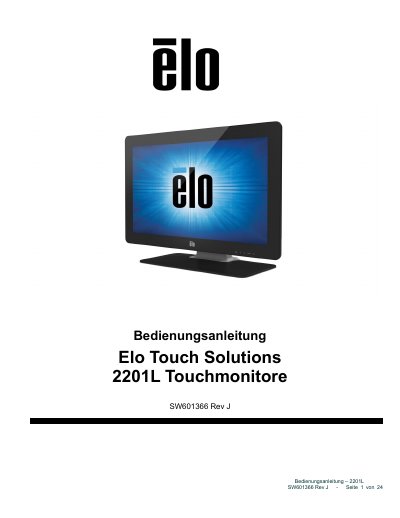
The document serves as a comprehensive guide for the Elo Touch Solutions 2201L SW601366 Rev J touch monitor. It details the unboxing process, required accessories such as DVI and VGA cables, and step-by-step instructions for connecting power and video inputs. The manual also explains how to install the necessary software drivers for Windows operating systems. This manual is written in German.
| Resolution | 1920 x 1080 |
|---|---|
| Color Depth | 24 Bit |
| Power Input | 100 –240 V AC, 50/60Hz |
| Power Output (Adapter) | 12 V DC, mindestens 3 A |
| Operating Temperature | 0 -40 °C |
No additional drivers are required as the monitor uses the Windows HID driver.
Yes, when connected to a Windows 7 computer, it can report up to two simultaneous touches.