
This document is the Quick Start Guide for the Datalogic Falcon X4 rugged mobile computer, covering accessories, battery installation, and synchronization.
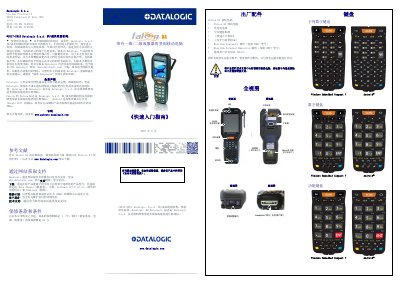
This guide provides a quick start overview for the Datalogic Falcon X4 rugged mobile computer. It lists the included accessories in the kit and provides instructions for inspecting the device components upon unboxing. The document also includes visual views of the device from multiple angles. This manual is written in Chinese.
| Warranty Period | 1 year |
|---|---|
| Consumables Warranty | 90 days |
| Minimum Charge Time | 4 hours |
The kit includes the Falcon X4 mobile computer, a charging battery pack, blank keyboard stickers, the Quick Start Guide, a Safety and Regulatory Appendix, and specific plugins for WEC7 models.
Insert the battery contacts downward and press firmly until the battery latch clicks twice.
Remove the battery, slide the tray out to the right and pull it up, insert the card with the label facing up, then push the tray down and slide it left to lock.