
This document is a Quick Start Guide for Dolphin® 9500 Series Mobile Computer Microsoft® Windows Mobile® 2003 Second Edition Software for Pocket PCs. The guide describes the features and characteristics of the product.
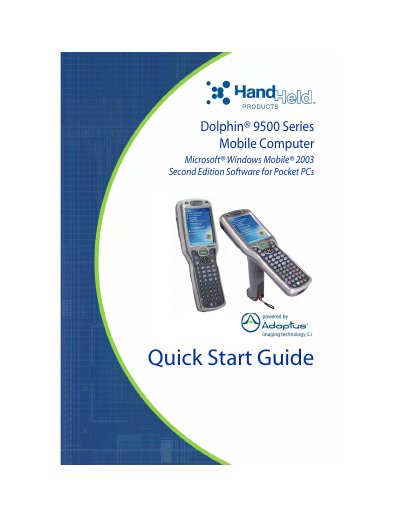
This document is a Quick Start Guide for the Hand Held Products Dolphin 9500 Series mobile computer, which runs on Microsoft Windows Mobile 2003 Second Edition. The guide covers four specific terminal models: the Dolphin 9500, 9550, 9501, and 9551, detailing their ergonomic designs and integrated scanning capabilities.
The guide provides step-by-step instructions for initial setup, including unpacking the carton, installing the main Li-ion battery pack, and charging the batteries for a minimum of four hours. It also explains how to initialize the terminal, navigate the Today Screen, and perform basic operations such as taking images and adjusting the backlight.
| Operating System | Microsoft Windows Mobile 2003 Second Edition |
|---|---|
| Battery Type | 7.4V, 14.8 watt hour Lithium-ion (Li-ion) |
| Backup Battery Duration | up to 30 minutes |
| Minimum Charge Time | four hours |
The main battery pack must be charged for a minimum of four hours before initial use.
The internal backup battery maintains data and keeps the system clock running for up to 30 minutes when the main battery is removed.