
This document is the Product Reference Guide for QuickScan® L QD 2300 Bar Code Scanner, which describes the features and characteristics of the product.
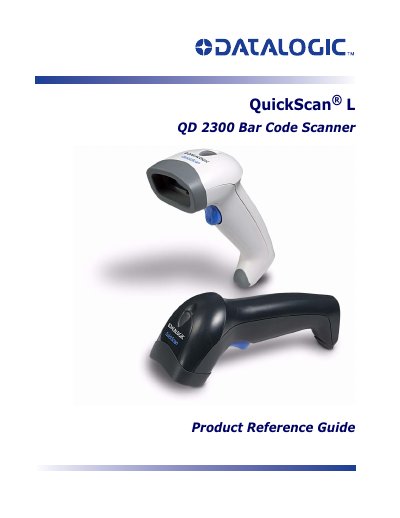
This document serves as a Product Reference Guide for the Datalogic QuickScan L QD 2300 bar code scanner. It provides detailed instructions on unpacking, setting up the device, and connecting various interfaces including RS-232, Keyboard Wedge, and USB.
The guide covers operational features such as LED indications, scanning sequences, and depth of field adjustments. It also details how to configure user preferences for different symbologies like UPC/EAN, Code 128, and Code 39, along with specific programming commands for RS-232 interfaces.
| Product Name | QuickScan L QD 2300 Bar Code Scanner |
|---|---|
| Manufacturer | Datalogic Scanning, Inc. |
This guide serves as a Product Reference Guide for the Datalogic QuickScan L QD 2300 bar code scanner.
It is a bar code scanner.
The manufacturer is located at 959 Terry Street, Eugene, Oregon 97402.
You can call (541) 683-5700 or fax (541) 345-7140.