
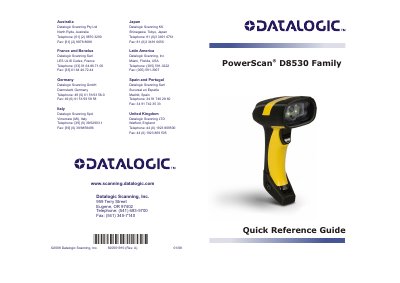
The PowerScan D8530 family are rugged, omni-directional handheld readers that decode all major 1D and 2D barcodes, capture images, support autoscanning, and allow firmware upgrades via flash memory. They operate in commercial, industrial, and front-office environments.
Setup involves connecting the correct interface cable (RS-232, Wedge, or USB), reading the appropriate interface selection code, and using default settings. The USB interface is compatible with Windows 98 and later, IBM POS for Windows, Mac OS 8.0 and later, and the 4960 Operating System. Green LED indicators signal power-on and good reads, while a beeper provides audible feedback.
| Interface Options | RS-232, Wedge, USB |
|---|---|
| USB Compatibility | Windows 98 and later, IBM POS for Windows, Mac OS 8.0 and later, 4960 Operating System |
| Decoding Capabilities | 1D linear, 2D stacked (PDF417), 2D matrix (DataMatrix), postal codes (PLANET) |
| Imaging | Captures entire images or image portions |
| Autoscanning | Continuous scanning monitoring central zone |
| Flash Memory | Firmware upgrades for new symbologies and algorithms |
| LED Indicators | Green LED for power-on and good read |
| Beeper | Good/wrong read and error signals |
| Good-Read Spot | Green spot projected on successful read |
The scanner supports RS-232, Wedge, and USB interfaces.
Windows 98 and later, IBM POS for Windows, Mac OS 8.0 and later, and the 4960 Operating System.
At power-on the LED blinks briefly then stays lit for two seconds to show power is present; after a good decode the LED lights up and stays on until the next trigger press.