
QuickScan i QD2100 is a barcode scanner produced by Datalogic company
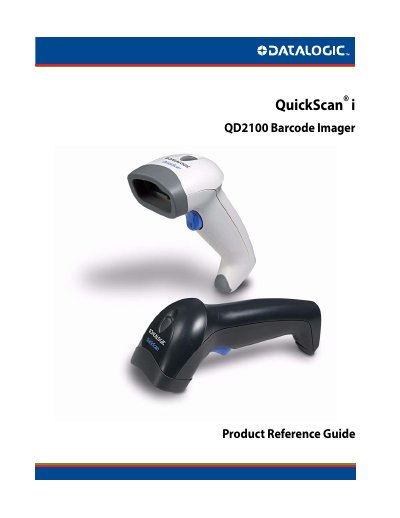
This document serves as a Product Reference Guide for the Datalogic QuickScan i QD2100 Barcode Imager. It provides detailed instructions on getting started with the device, including unpacking and setting up the interface cable. The guide explains how to use programming barcodes to configure various features and reset the device to standard defaults.
The manual details the configuration of multiple interfaces, including RS-232, USB, Keyboard, and IBM 46XX, along with specific settings for each. It also covers general features such as LED and beeper indicators, scanning modes, and timeouts. A significant portion is dedicated to data editing capabilities and a comprehensive list of supported symbologies, such as UPC, EAN, Code 39, and Code 128, including their specific enable/disable and check character settings.
It is a barcode imager.
You can reach Datalogic Scanning, Inc. at (541) 683-5700.