
This document is the Product Reference Guide for the QuickScan® QS2500 Handheld Bar Code Scanner by Datalogic Scanning, Inc. It describes the features and characteristics of the product.
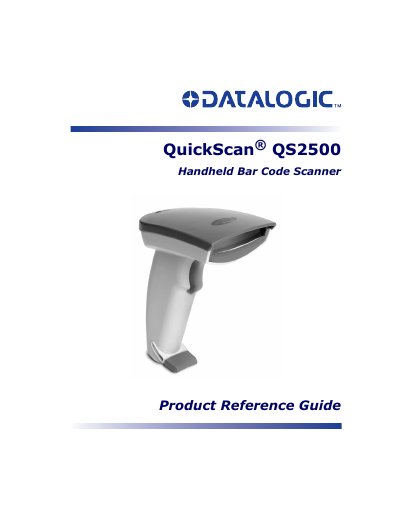
This document serves as a Product Reference Guide for the Datalogic QuickScan QS2500 handheld bar code scanner. It provides detailed instructions on installing the device using various interfaces, including Keyboard Wedge, Wand Emulation, RS-232, USB, and IBM options. The guide also explains how to program the scanner using bar codes and alphanumeric entries to configure scanning modes, symbology settings, and interface parameters.
| Interfaces | Keyboard Wedge, Wand Emulation, RS-232, IBM, USB |
|---|
Scan the two reset bar codes in the order shown in the Resetting section.
Disabling Code 39 will disable the scanner's capability to read the bar code labels in this manual.