
This document is the User's Guide for Microsoft® Windows® CE 5.0 ® by Hand Held Products, Inc. The document provides information on product specifications and other details, and advises readers to consult Hand Held Products for any changes. The information in this publication does not represent a commitment from Hand Held Products. Hand Held Products shall not be liable for technical or editorial errors or omissions, or for any incidental or consequential damages resulting from the furnishing, performance, or use of this material. This document contains proprietary information that is protected by copyright. No part of this document may be photocopied, reproduced, or translated into another language without the prior written consent of Hand Held Products.
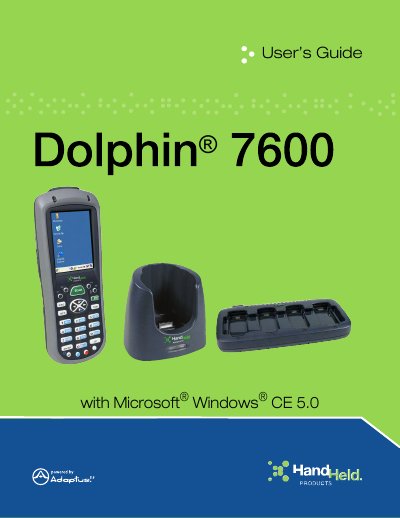
This manual provides step-by-step instructions for using the Datalogic Dolphin 7600 mobile computer. It covers terminal hardware, keyboard usage, image engine functions, communication options including Bluetooth and WLAN, and peripheral management. The guide also includes safety and regulatory information, FCC compliance details, and troubleshooting tips for common issues.
The document is intended for end users and technicians who need to operate, maintain, or troubleshoot the device. It includes sections on installing software, connecting peripherals, charging batteries, and using accessories like the HomeBase and QuadCharger.
| FCC Compliance | Class B digital device |
|---|---|
| Laser Class | Class 2 Laser Product |
| RF Standards | IEEE and ANSI standards |
The Dolphin 7600 runs on Microsoft Windows CE 5.0.
You can connect via WLAN (802.11b/g) or Bluetooth, following the steps in Chapter 6.
The maximum laser output is 1.0 mW at 650nm.