
This document provides the User's Guide for Dolphin® 9500 Series Microsoft® Windows Mobile®2003 Second Edition Software for Pocket PCs. It contains specifications and other relevant information about the product, and advises users to consult Hand Held Products for any changes.
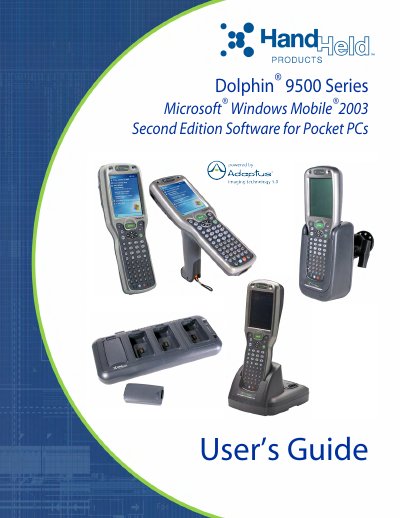
This manual provides instructions for using the Datalogic Dolphin 9500 Series mobile computers, including setup, hardware features, and wireless communication options. It covers models like the Dolphin 9501 and Dolphin 9551, accessories such as HomeBase and QuadCharger, and software including Microsoft Windows Mobile 2003. The guide also details battery management, barcode scanning, and troubleshooting.
| Processor | Intel® X-Scale 400MHz RISC microprocessor |
|---|---|
| Operating System | Microsoft Windows Mobile 2003 Second Edition |
| Memory | 64 MB RAM & 32 MB Flash or 64 MB RAM & 64 MB Flash |
| Display | 1/4 VGA (240 x 320) color touch screen |
| Wireless Radios | 802.11b, GSM/GPRS, and Bluetooth™ |
It uses Microsoft Windows Mobile 2003 Second Edition Software for Pocket PC platform.
Two configurations: 64 MB RAM & 32 MB Flash or 64 MB RAM & 64 MB Flash.
802.11b, GSM/GPRS, and Bluetooth™ wireless radios.
1/4 VGA (240 x 320) color touch screen.