
This file provides the Programming Guide for Datalogic QuickScan® 6000/6000 Plus Handheld Laser Scanner. It introduces the scanner's features and characteristics, as well as how to program it.
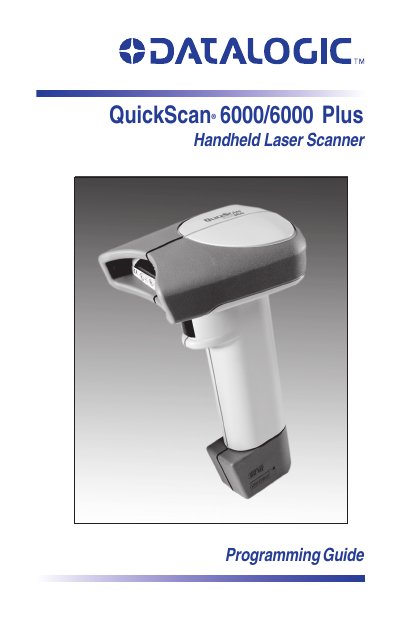
The document serves as a programming guide for the Datalogic QuickScan 6000 and QuickScan 6000 Plus handheld laser scanners. It details how to change the scanner's interface settings, such as OCIA, RS-232, Keyboard Wedge, and Wand Emulation, to match specific host system requirements.
The guide also covers customizing the scanner's operation through bar code programming. Users can enable or disable various symbologies (e.g., UPC/EAN, Code 39, Code 128), adjust general features like good read beeper settings and low power mode, and return the device to factory default settings if necessary.
This manual contains instructions for changing interfaces and bar codes to customize the scanner's operation.
The scanner will sound an error tone consisting of six rapid beeps.