
This guide provides instructions for setting up the Datalogic Falcon X4 rugged mobile computer, including battery installation, microSD card insertion, and…
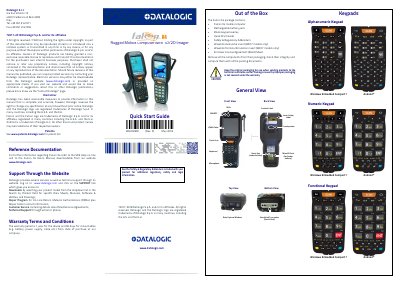
This document serves as a Quick Start Guide for the Datalogic Falcon X4 rugged mobile computer. It outlines the contents of the package and provides initial setup instructions, including how to install the rechargeable battery pack and the microSD card. The guide also details the process for synchronizing the device with a host PC using Windows Mobile Device Center via USB, RS232, or Bluetooth interfaces.
| Warranty Period (Device) | 1 year |
|---|---|
| Warranty Period (Consumables) | 90 days |
The package contains the Falcon X4 mobile computer, a rechargeable battery pack, a blank keypad overlay, a Quick Start Guide, a Safety & Regulatory Addendum, Wavelink inserts (for WEC7 models), and an End User License Agreement.
The battery must be charged for a minimum of 4 hours before the Falcon X4 can be used.
The device supports Windows Embedded Compact 7 and Android.