
The Canon EF200-400mm f/4L IS USM Extender 1.4x User Manual provides usage instructions, safety guidelines, and technical specifications for the lens.
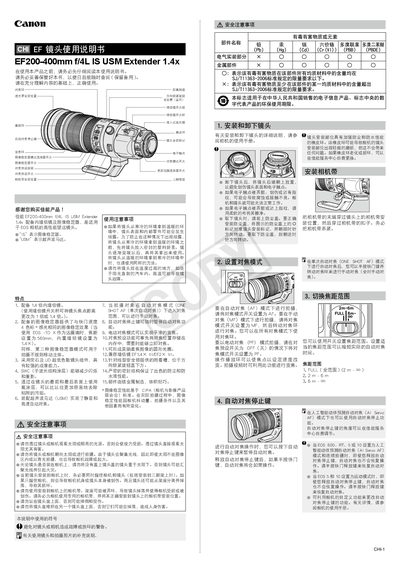
This manual describes the Canon EF200-400mm f/4L IS USM Extender 1.4x telephoto lens, which features a built‑in 1.4× internal extender and image stabilizer for EOS cameras. It explains how to install the lens, use the extender switch, and operate the focus, zoom, and stabilizer functions.
The guide also covers safety precautions, handling of the lens in extreme temperatures, focus preset operation, filter and hood installation, and detailed specifications such as focal length ranges, aperture values, and weight. Compatibility with various EOS bodies and optional extender accessories is listed. This manual is written in Chinese.
| Focal Length / Aperture (1×) | 200‑400 mm f/4.0 |
|---|---|
| Lens Construction | 20 groups, 25 elements (1×) / 24 groups, 33 elements (1.4×) |
| Minimum Aperture | f/32 (1×) / f/45 (1.4×) |
| Closest Focusing Distance | 2 m |
| Maximum Magnification | 0.15× (400 mm) / 0.21× (560 mm) |
| Weight | ≈ 3620 g |
| Filter Size | Ø 128 mm × 366 mm |
Place the lens in a sealed plastic bag before moving it, let it warm gradually inside the bag, and only then remove it for use.
Set the STABILIZER switch to ON; three modes are available: full correction, horizontal‑only, and exposure‑only stabilization.
Press the focus preset button, set the desired distance, and a beep confirms the setting; the preset works in AF, PF, and MF modes.