
The Canon RF 15-35mm F2.8 L IS USM lens user manual provides installation, operation, and specification details.
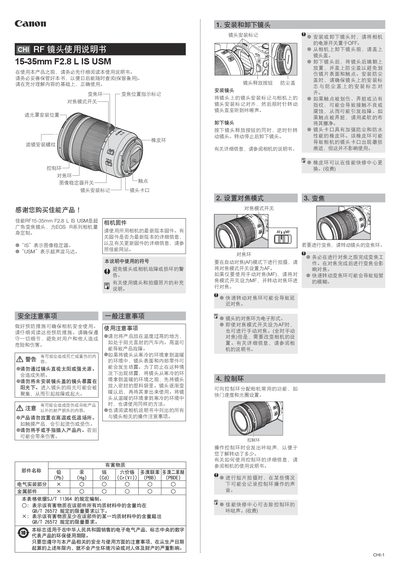
This manual explains how to install and remove the RF 15-35mm F2.8 L IS USM lens, set focus modes, adjust zoom, and use the control ring. It also covers safety warnings, image‑stabilizer operation, hood and filter installation, and maintenance tips.
A full specifications table lists focal length, aperture range, lens construction, angle of view, minimum focusing distance, magnification, filter size, dimensions, weight, and accessories such as hood, lens cap, and soft case. This manual is written in Chinese.
| Focal length / aperture | 15-35mm f/2.8 |
|---|---|
| Lens construction | 12 groups, 16 elements |
| Minimum aperture | f/22 |
| Angle of view (horizontal) | 100°25′‑54° |
| Angle of view (vertical) | 77°20′‑38° |
| Minimum focusing distance | 0.28 m |
| Maximum magnification | 0.21× (at 35 mm) |
| Filter diameter | 82 mm |
| Maximum diameter × length | ≈88.5 mm × 126.8 mm |
| Weight | ≈840 g |
| Lens hood model | EW-88F |
| Lens cap model | E-82 II |
| Soft case model | LP1222 |
Align the lens’s installation mark with the camera’s mark, then rotate the lens clockwise until you hear a click.
Set the image‑stabilizer switch to ON; set it to OFF when you do not want stabilization.
The minimum focusing distance is 0.28 m.
Yes, you can install a Canon circular polarizing filter (PL‑CB) on the 82 mm filter thread.