
Quick start guide for installing and using the Canon CanoScan LiDE 110 flatbed scanner.
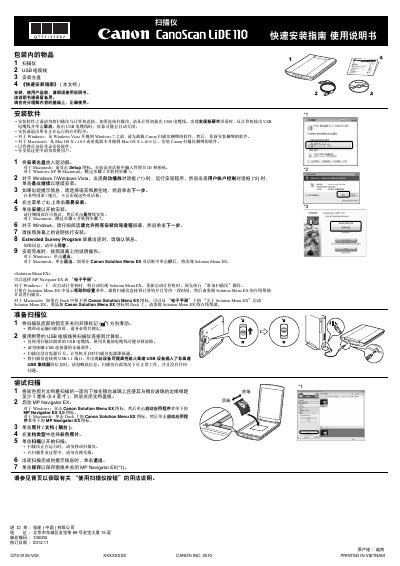
This guide provides a step‑by‑step walkthrough for installing the CanoScan LiDE 110 scanner, including software installation, USB connection, and initial setup. It also explains how to operate the scanner using the four dedicated buttons for PDF, auto‑scan, copy, and email functions.
The document lists the scanner’s specifications such as optical resolution, sensor type, power consumption, and physical dimensions, and includes legal notices about scanning copyrighted material. This manual is written in Chinese.
| Optical resolution | 1200×4800 dpi |
|---|---|
| Optional resolution | 25–19200 dpi |
| Sensor type | CIS (color contact image sensor) |
| Light source | 3‑color (RGB) LED |
| Interface | Hi‑Speed USB |
| Maximum document size | A4/Letter 216×297 mm |
| Power consumption (operating) | 2.5 W |
| Dimensions (W×D×H) | 250 × 370 × 40 mm |
| Weight | ≈1.6 kg |
Insert the installation CD, run the Setup program, follow the on‑screen prompts, accept the license agreement, and complete the installation. For Windows, use the auto‑play dialog; for Mac, double‑click the Setup icon.
Only the USB cable supplied with the scanner should be used; other cables may cause faults.
Yes, press the PDF button to save the scanned image as a PDF file.