
The Canon EOS 30D instruction manual provides setup, operation, safety, and maintenance guidance for the digital SLR camera.
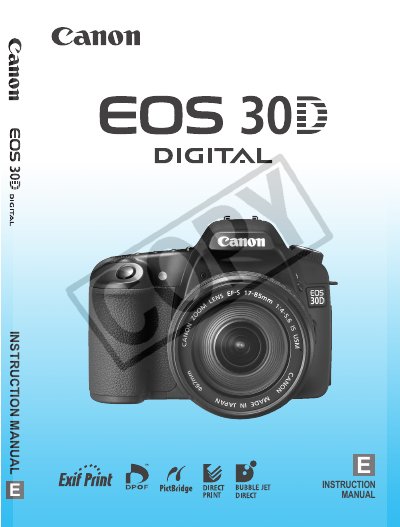
This manual covers everything you need to know to start using the Canon EOS 30D, from unpacking and battery charging to basic shooting modes and advanced menu settings. Safety warnings and handling precautions are included to protect both the camera and the user.
Detailed sections explain autofocus, metering, flash operation, image playback, and file management, as well as specifications for viewfinder, shutter speed, burst shooting, and white‑balance options. The guide also includes troubleshooting tips and service information.
| White Balance Types | Auto, daylight, shade, cloudy, tungsten, white fluorescent, flash, custom, color temperature |
|---|---|
| Autofocus Points | 9 AF points |
| Shutter Speed Range | 1/8000 to 30 sec. |
| Maximum Burst Rate (JPEG) | Approx. 30 frames per second |
The camera uses a BP‑511A battery pack with a protective cover.
The EOS 30D provides nine high‑precision autofocus points.
The camera records images on CompactFlash (CF) cards.