
The Canon imageFORMULA DR‑X10C User Manual provides setup, operation, maintenance and troubleshooting instructions for the desktop sheet‑fed scanner.
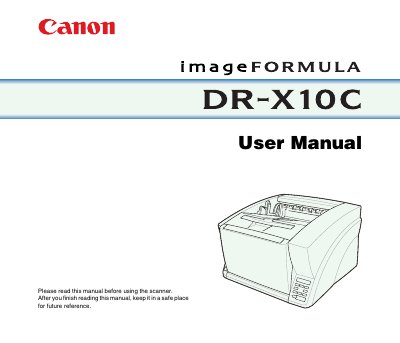
This manual introduces the Canon imageFORMULA DR‑X10C Document Scanner, covering safety instructions, hardware overview, and software configuration. It explains how to install the scanner, connect it to a PC, and use the ISIS/TWAIN drivers and CapturePerfect 3.0 software.
The guide also details routine maintenance, roller replacement, optional barcode and patchcode modules, and practical examples such as blank‑page removal, image reversal, and text‑orientation recognition. Technical specifications are listed in the appendix for quick reference.
| Type | Desktop sheet‑fed scanner |
|---|---|
| Document width | 2" to 12.01" (50.8 mm to 305 mm) |
| Document length | 2.76" to 17.01" (70 to 432 mm) |
| Scanning Sensor | Contact image sensor |
| Light Source | LED |
| Scanning Resolution | 100, 150, 200, 240, 300, 400 and 600 dpi |
| Scanning Speed (Black & White 200 dpi) | Simplex 100 pages/min, Duplex 200 images/min |
Set the scanning side setting to [Skip Blank Page] on the [Basic] tab sheet; blank‑page images will be deleted.
The scanner supports 100, 150, 200, 240, 300, 400 and 600 dpi resolutions.
Select [Reverse Image] on the [Image processing] tab sheet when using the TWAIN driver.