
This manual provides operating instructions, safety guidelines, and technical specifications for the Avision DL-1707B document scanner.
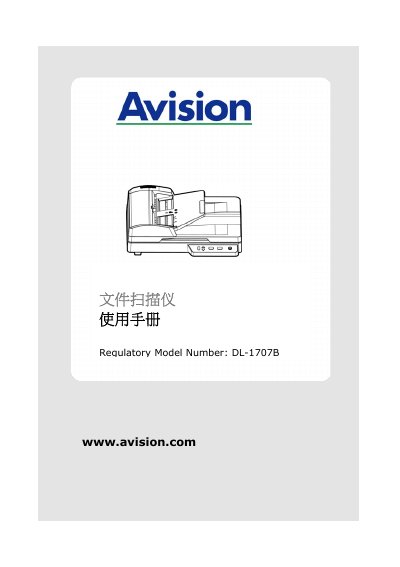
This manual covers the installation, operation, and maintenance of the Avision DL-1707B document scanner. It includes detailed instructions for using the automatic document feeder (ADF) and the flatbed scanner, as well as troubleshooting common scanning issues. The document also outlines system requirements for compatible operating systems such as Windows 7, 8, and 10. This manual is written in Chinese.
| Optical Resolution (Flatbed) | 1200 dpi |
|---|---|
| Optical Resolution (ADF) | 600 dpi |
| Image Types | B/W/Grayscale/Color |
| Maximum ADF Capacity | 35 pages |
| Maximum Scan Size | 216 x 356 mm |
| Minimum Scan Size | 76.2 x 127 mm |
| Paper Thickness | 60 ~ 125 g/m2 |
| Interface | USB 2.0 |
| Power Supply | 24Vdc, 1.5A |
| Operating Temperature | 10º C ~ 35º C |
| Dimensions | 402 x 330 x 112 mm |
| Weight | 2.7 kg |
The paper size must be greater than 76.2 x 127 mm (3 x 5 in.) and cannot exceed 216 x 356 mm (8.5 x 14 in.).
This occurs when the brightness setting is too low, causing the edges of the lines to be viewed as black areas. Adjust the brightness setting to fix this.
Executing these functions at resolutions over 600 dpi consumes a lot of computer memory. It is recommended to set the optical resolution to 600 dpi or lower to avoid errors.