
This document is a user manual for Avision Color Image Scanner.
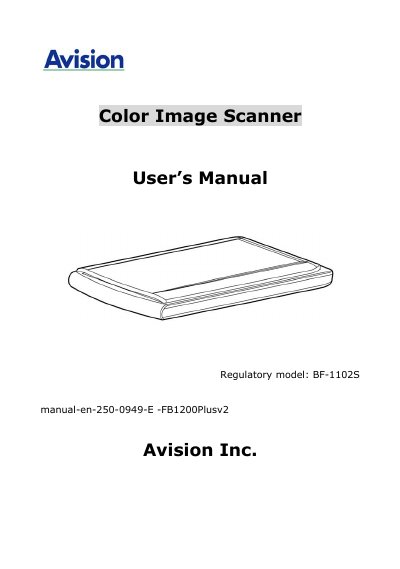
This manual is for the Avision BF-1102S color image scanner. It describes installation, package contents, connecting power and the computer, installing the scanner driver, and completing a first scan.
It also explains the scanner properties dialog box, ISIS interface operation, maintenance and cleaning, frequently asked questions, technical service, and product specifications.
| Model Number | BF-1102S |
|---|---|
| Technology | Contact Image Sensor (CIS) |
| Light Source | LED (Light-Emitting-Diode lamp) |
| Optical Resolution | 1200 dpi |
| Scanning Mode | Black & White, Gray, Color |
| Interface | USB 2.0 |
| Voltage | 12Vdc, 1.25A |
| Power Consumption | <11W (Operation) |
| Humidity | 10~85% RH |
| Operating Temperature | 10ºC ~ 35ºC |
| Dimension | 260(W) x 410(D) x 43(H) mm |
| Weight | 1.5 Kgs (3.3 lbs) |
An IBM compatible PC 586, Pentium or higher; Microsoft Windows 2000, Windows XP SP3, Windows Vista/Windows 7; a USB 2.0 port; at least 100 MB of free hard disk space (500 MB recommended); at least 128 MB of system memory (512 MB recommended, and at least 1 GB for Windows Vista/7); and a CD-ROM drive.
Only the AC adapter (HEG42-120130-7L made by Hitron or WA-18H12 made by APD) included in the machine should be used.
The optical resolution is 1200 dpi.
The package contains the scanner main unit, USB cable, power adapter/power cable, and software CD/quick guide.