
This document is a user manual for a book scanner. It provides instructions on how to use the scanner, install it, and lists the technical requirements.
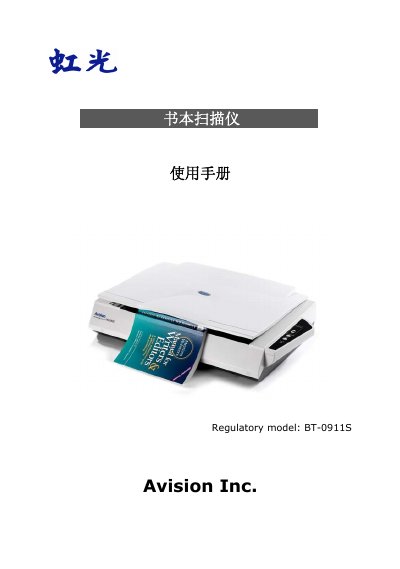
The document serves as a comprehensive user guide for the Avision BT-0911S book scanner. It covers system requirements, initial setup including driver installation and USB connection, and detailed steps for performing scans using the software interface.
The manual also addresses advanced features such as ISIS interface operations, button manager configuration, and maintenance procedures like cleaning glass platen. Additionally, it includes a troubleshooting section for common errors and specific instructions for installing and operating the optional automatic document feeder. This manual is written in Chinese.
| Optical Resolution | 600 dpi * 600 dpi (H*V) |
|---|---|
| Light Source | White LED lamp |
| Interface | USB 2.0 |
| Power Requirement | 24V DC, 2.0A |
| Operating Temperature | 10°C to 40°C |
| Dimensions (WxDxH) | 645 x 428 x 135 mm |
| Weight | 7.6 kg |
The scanner supports a maximum file size of 11.8 inches x 17 inches.
You must use the included Hitron HEG42-240200-7L or APD DA-48M24 transformer to avoid system damage.