
The Avision AM3000 series user manual provides installation, operation, and maintenance instructions for the AM3200, AM3100L, and AM3230 multifunction printers.
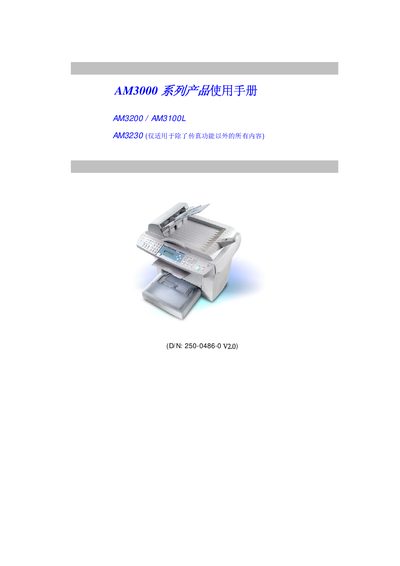
This manual covers all aspects of the AM3000 series multifunction devices, including hardware components, installation steps, menu settings, copying, scanning, fax (for AM3230), and software driver configuration. It is intended for end‑users and service technicians to set up and operate the printers safely and efficiently.
Safety precautions, consumable handling, and troubleshooting guidance are also included, along with technical support contact information for Avision worldwide. This manual is written in Chinese.
| Scanning resolution | 1200 dpi |
|---|---|
| Print speed (color) | 21 pages per minute |
| Print speed (black) | 17 pages per minute |
| Copy speed (color) | 20 pages per minute |
| Copy speed (black) | 16 pages per minute |
| Paper tray capacity | 250 sheets |
| Toner cartridge life | 3000 / 6000 pages (5% coverage) |
| Drum life | 20,000 pages |
The scanners provide a resolution of 1200 dpi.
The toner cartridge lasts for 3000 pages, or up to 6000 pages at 5% coverage.
The main paper tray can hold 250 sheets.