
This document is the user manual for the Book Scanner, which provides instructions on how to use the scanner and important considerations.
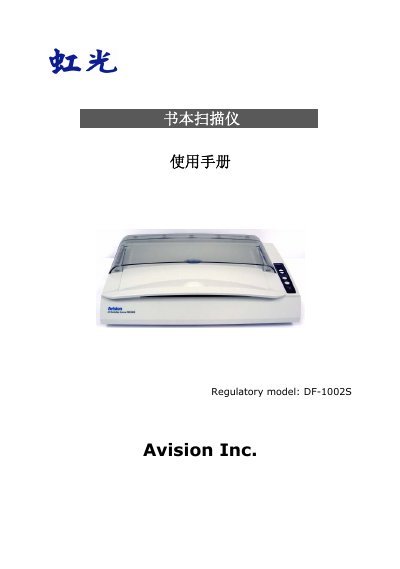
This document is the user manual for the Avision DF-1002S book scanner. It covers system requirements, installation procedures including driver setup, and detailed instructions for using the scanner software properties such as image, compression, and color settings. The guide also explains how to operate the ISIS interface and use the scanner's physical buttons. This manual is written in Chinese.
| Optical Resolution | 600 dpi * 600 dpi (H*V) |
|---|---|
| Light Source | White LED |
| Interface | USB 2.0 |
| Power Requirement | 24V DC, 2.0A |
| Operating Temperature | 10°C to 35°C |
| Dimensions | 288 x 480 x 115 mm |
| Weight | 4.53 kg |
The maximum file size supported by the scanner is 8.5 inches by 11.69 inches.
The automatic document feeder accepts paper sizes greater than 4.5 x 5.5 inches and up to 8.5 x 14 inches.