
Key facts
- Brand
- Avision
- Model
- DL-1707B
- Category
- Scanner
- Industry
- Electronics
- Documents
- 2
- Languages
- ZH · ES
- Last added
- 2026-11-15
Start here
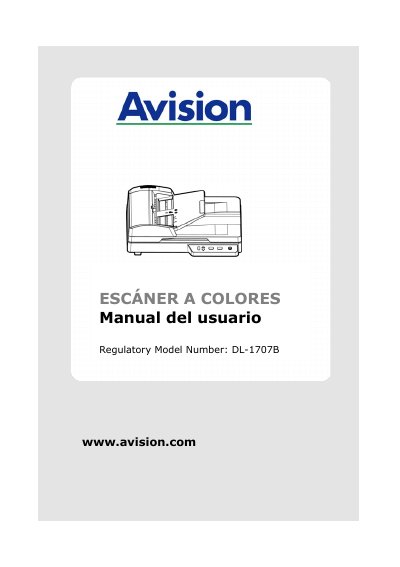
Avision DL-1707B Color Scanner User Manual
The Avision DL-1707B is a high-performance color document feeder scanner designed to scan multi-page documents from an automatic document feeder or single-page documents from a tray. The manual covers unboxing, system requirements, and safety guidelines for safe operation. This manual is written in Spanish.
Read onlineAvision DL-1707B specifications
| Optical Resolution (Flatbed) | 1200 dpi |
|---|---|
| Optical Resolution (ADF) | 600 dpi |
| Image Types | B/W/Grayscale/Color |
| Maximum ADF Capacity | 35 pages |
| Maximum Scan Size | 216 x 356 mm |
| Minimum Scan Size | 76.2 x 127 mm |
| Paper Thickness | 60 ~ 125 g/m2 |
| Interface | USB 2.0 |
| Power Supply | 24Vdc, 1.5A |
| Operating Temperature | 10º C ~ 35º C |
| Dimensions | 402 x 330 x 112 mm |
| Weight | 2.7 kg |
All Avision DL-1707B documents by type
Day-to-day operation, settings and troubleshooting. Start here if the product is already set up.
Questions answered in these manuals
What are the paper size limits for the automatic document feeder?
The paper size must be greater than 76.2 x 127 mm (3 x 5 in.) and cannot exceed 216 x 356 mm (8.5 x 14 in.).
Why do scanned black lines appear thicker than on the original document?
This occurs when the brightness setting is too low, causing the edges of the lines to be viewed as black areas. Adjust the brightness setting to fix this.
Why does the image appear too dark when scanning?
Adjust the screen settings to sRGB and adjust the brightness setting in the application software.
Why are 'auto crop' and 'deskew' functions disabled at 600 dpi?
These functions consume a large part of system memory, so it is suggested to set the optical resolution below 600 dpi to avoid error messages.